
How to Withdraw Freelance Earnings in USD in Egypt with Elevate Pay
Freelancers in Egypt still struggle to cash out Upwork, Fiverr, and foreign-client payments in dollars. This walkthrough covers the setup I use: a QNB Al Ahli pound account with an instant USD sub-account, plus Elevate Pay as a US receiving account so you can convert to EGP or withdraw USD in cash.
Mounir Ahmed
Frontend Engineer
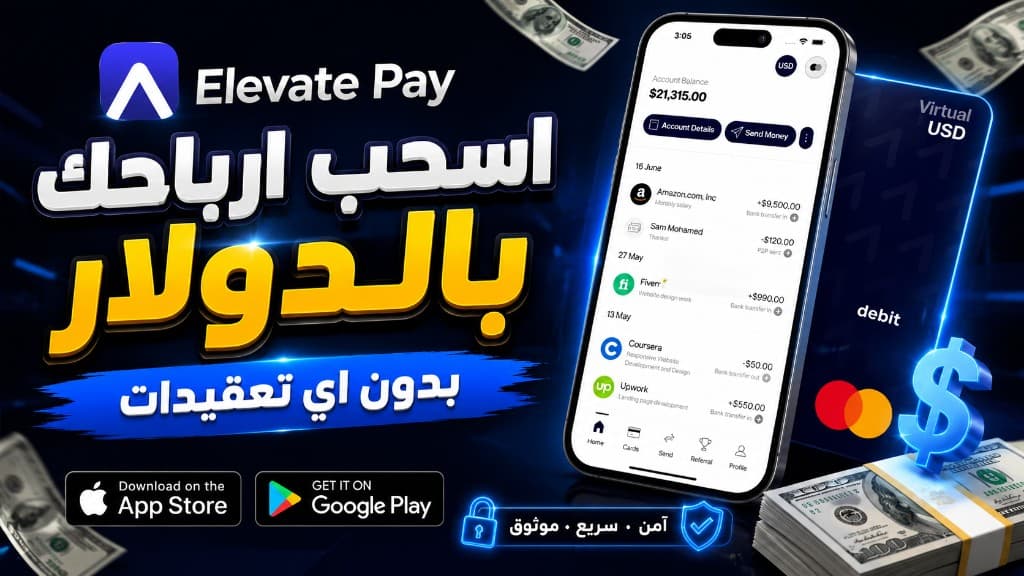
If you freelance from Egypt, the hard part is rarely the work. It is getting paid in a form you can actually use. Upwork, Fiverr, Amazon, and most foreign clients settle in dollars. Egyptian debit cards and many local payout rails still force that money into pounds, delay it, or reject the transfer altogether.
In the video below I walk through the setup I use today: a QNB Al Ahli account with a dollar sub-account, plus Elevate Pay as a US receiving account in the middle. The goal is simple. Receive freelance or salary wires in USD, then either convert to EGP or withdraw cash dollars from a QNB branch.
This is a personal walkthrough, not a bank offer and not financial advice. Banks, KYC rules, and app features change. Confirm every requirement with QNB and Elevate Pay before you start.
Why the old EasyPay plus PayPal path is wearing out
For years the default Egyptian workaround was: issue an EasyPay Visa from Egypt Post, link it to PayPal, then pull freelance payouts through PayPal into that card. Two problems keep showing up.
First, the money usually lands in Egyptian pounds. If you wanted physical dollars, that route did not give them to you. Second, newer EasyPay cards often fail to link with PayPal at all. People who still have an old working link keep using it. People opening a fresh EasyPay card frequently get stuck.
If your clients or platforms can send a USD wire, you need a receiving account that speaks the same language as those platforms: a US routing and account number, then a local dollar account you control in Egypt.
The two-account model
Do not expect Upwork or a US company to wire straight into a brand-new Egyptian USD account and have it just work. In practice you still want a US intermediary. The stack looks like this:
- An Egyptian bank account at QNB Al Ahli, with a pound account and an instant USD sub-account.
- An Elevate Pay account that gives you US bank details after KYC.
- Platforms and clients send USD to Elevate Pay.
- You send that balance either to your QNB pound account or to your QNB dollar account, then withdraw cash USD from a QNB branch if you need notes in hand.
Payoneer is the name everyone already knows for step two. I stopped treating it as the default. Too many freelancers have reported sudden freezes with little warning. If a balance is sitting there when that happens, recovering it is painful. Newer names such as Grey and Wise show up in freelancer groups; I have not used them long enough to recommend them. Elevate Pay is the app I have used for several years without that kind of surprise.
Step 1. Open QNB, then add the dollar account
Plenty of Egyptian banks will open a USD account. Many also want a local HR letter or salary statement, and some charge ongoing dollar-account fees that only make sense if large amounts arrive every month. QNB was the option I used because the dollar sub-account opened inside the app with no extra paperwork after the pound account was live, and I was not hit with those extra USD fees.
Download the QNB Al Ahli app or call their customer service and ask to open an account. After you submit basic details, a representative usually contacts you within two to three business days and meets you somewhere convenient. In my case they asked for three things:
- National ID.
- Proof of income. A salary slip or HR letter works if you have an Egyptian employer. If you do not, a legal accountant can issue an income certificate. Freelancers on Upwork can use the platform Certificate of Earnings instead. That is what I submitted, and the bank accepted it.
- A recent utility bill for the address you live at: electricity, water, or gas.
After the meeting, the pound account typically activates within a day. It is still an EGP account at that point. Open the app, go to accounts, and request a USD account. Mine appeared immediately, with no extra documents. Save those USD account details. You will need them when you move money out of Elevate Pay.
If you only ever want pounds, you can skip the USD sub-account and send Elevate Pay transfers to the EGP account. Open the dollar account if you actually need to hold or withdraw USD inside Egypt.
Step 2. Create and verify Elevate Pay
Elevate Pay is the US-side wallet. Install it, register with a real email, and fill the profile with your legal name, date of birth, and address exactly as they appear on your ID. Mismatched KYC is the fastest way to stall the whole process.
Identity verification is the first gate. When I first used the app, Egyptian national ID was not accepted and a passport was required. That may have changed. Check what the app offers you. If it still insists on a passport and you do not have one, budget about two weeks at passport control before you continue.
Identity checks were fast for me, usually within a day. Address verification takes longer. You can try a utility bill. The method that worked cleanly for me was a bank statement for the last three months, signed and stamped by the bank. Photograph it clearly, upload it, and wait. Activation in my case took two to five business days. After that you have US account details you can paste into Upwork, Fiverr, or a client's payroll form.
Step 3. Receive the wire, then move it
Once Elevate Pay is active, attach those US details to every platform that can send a local ACH or wire payout. Ask foreign employers to pay the same account instead of PayPal. When the balance arrives, you have two local exits:
- Send to your QNB EGP account if you want pounds.
- Send to your QNB USD account if you want to keep dollars, then withdraw cash from any QNB branch in Egypt.
Treat the first transfer as a test. Send a small amount, confirm it lands, and only then move a full invoice. Note the fees and the FX rate on that first run so you know what the stack actually costs you, not what a landing page promises.
The virtual card is not a reason to join right now
Elevate Pay has also offered a virtual card for online payments, in the same category as Bybit Card and RedotPay. That would let you spend incoming freelance USD on subscriptions and tools without a second app. The card was paused when I recorded the video. Support mail suggested it may return in the coming months. Do not open Elevate Pay only for that card until it is live again. Use it for receiving and transferring, and keep a separate virtual card for spending if you still need one.
Who this setup fits
This path makes sense if you already earn from foreign platforms or employers, you can complete bank KYC, and you specifically want USD in Egypt rather than only EGP. It is a poor fit if you cannot produce income proof, you need money today, or you are still hunting for your first client. Opening two accounts will not create income.
It is also the wrong tool if you only need to pay for Netflix, ChatGPT, or courses. That is a virtual-card problem. I already compared Bybit Card and RedotPay for that use case. This article is about getting paid, not about spending.
Practical warnings
- Enter KYC data exactly as it appears on your ID. Approximate English spellings of Arabic names cause delays.
- Keep your own records of every wire: amount, date, platform, and the Elevate Pay / QNB references.
- Do not leave large idle balances in any intermediary wallet. Move what you need to QNB when it arrives.
- Bank and app policies change. A document that worked for me can be rejected for you. Ask the QNB representative and Elevate Pay support for the current list before you book time off for appointments.
- This is not tax, legal, or investment advice. Income you receive this way is still income. Handle it accordingly.
If you want the on-screen tour of the QNB meeting, the Certificate of Earnings, and the Elevate Pay KYC screens, watch the video at the top. The written steps above are the checklist I wish I had before I started.
Related posts
More in Fintech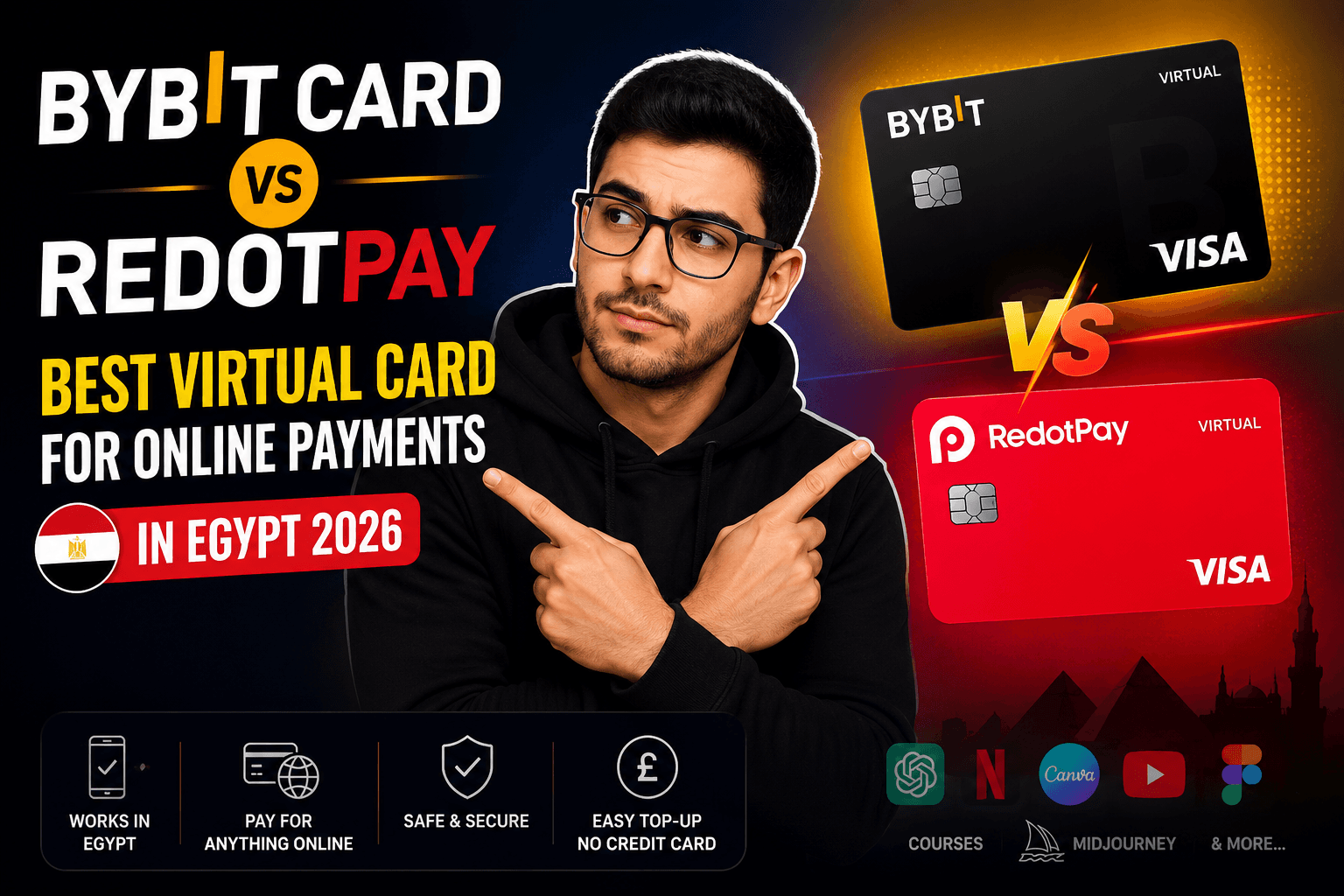
Bybit Card vs RedotPay Best Virtual Card for Online Payments in Egypt 2026
A hands-on comparison of the Bybit Card and RedotPay virtual Visa cards for online payments in Egypt in 2026 - fees, funding, supported services, bonuses, and which card is the better pick.
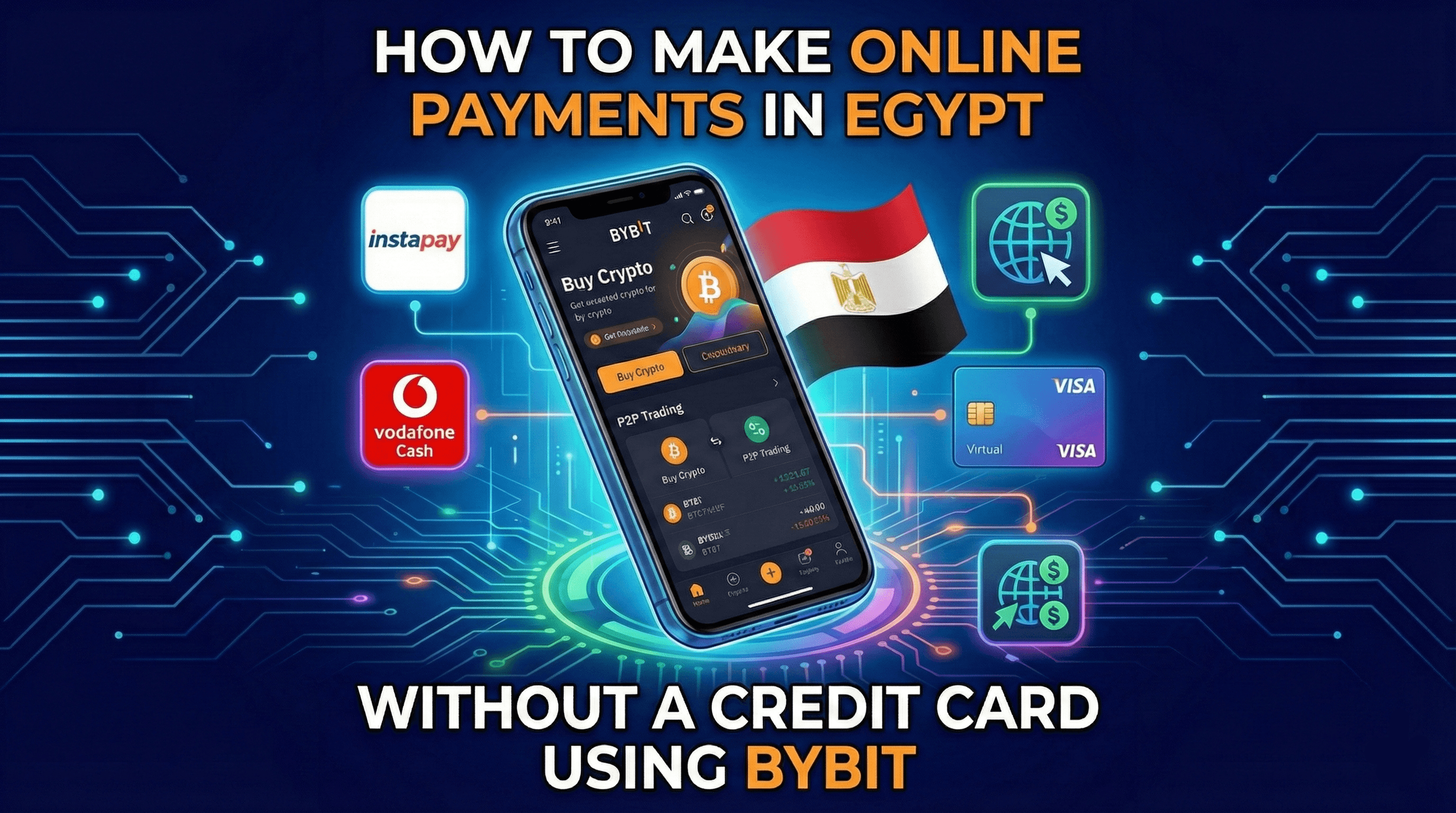
How to Make Online Payments in Egypt Without a Credit Card Using Bybit
Learn how to make international online payments in Egypt without a credit card using Bybit. Fund your account via Instapay, Vodafone Cash, or other e-wallets, apply for a virtual Visa, and pay safely online.
Best Ways to Withdraw Money in Egypt (EGP & USD) If You Work Online
Learn the best ways to withdraw money in Egypt if you work online. Step-by-step guide to withdrawing EGP and USD using PayPal, Easy Pay Visa, QNB Bebasata, and Elevate.