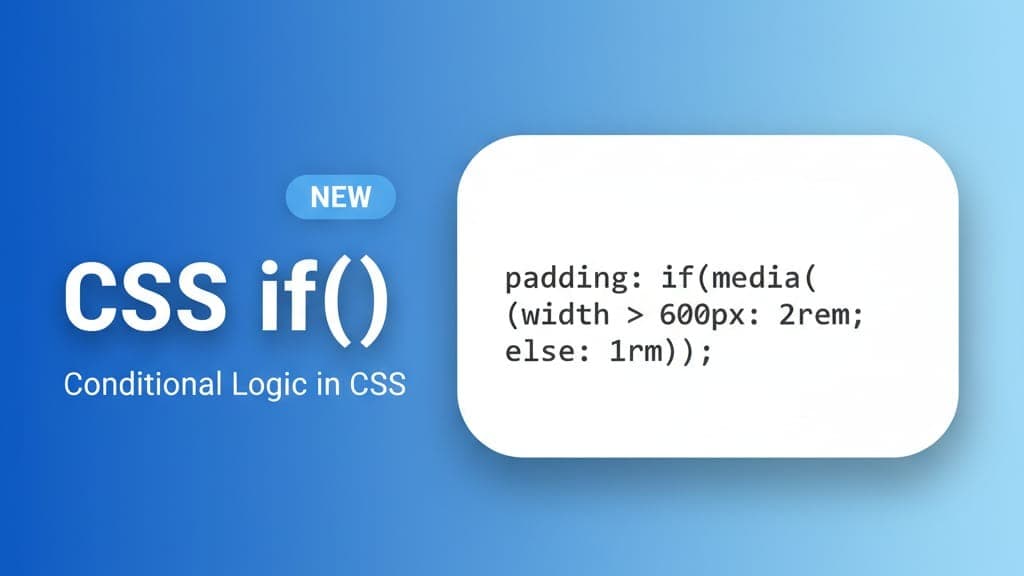
CSS is evolving fast, and one of the most exciting new additions is the if() function— a powerful way to apply conditional logic inside CSS values.
For years, developers relied on media queries, @supports, and JavaScript to handle dynamic styling. Now, CSS is becoming smarter, letting us write “if–else” logic directly inside property values.
In this short guide, you'll learn what the if() function is, how it works, and how to start using it today.
What Is the CSS if() Function?
The if() function is a value-level conditional.
Instead of wrapping large blocks in @media or @supports, you can decide a single property’s value based on:
- 1. A style query (checking custom property values)
- 2. A media query (screen width, dark mode, etc.)
- 3. A feature query (CSS support detection)
Basic syntax:
property: if(condition: value);With fallback:
property: if(condition: value; else: fallback)This makes your CSS both cleaner and more efficient.
1. Responsive Values With if():
Here’s how you can change spacing depending on screen size:
.container {
 margin-block: if(
 media(width < 700px): 0;
 else: 2rem
 );
}
Instead of writing two separate media queries, you keep all logic in one place.
2. Feature Detection (Built-In Fallbacks):
One of the most practical uses of if() is checking browser support:
.box {
 color: if(
 supports(color: lch(60% 50 40)): lch(60% 50 40);
 else: #555
 );
}
If the browser supports lch() colors → it uses them.
If not → it gracefully falls back.
This is cleaner than writing long @supports blocks.
3. Custom Theming with Style Queries:
You can check the value of a custom property:
:root {
 --scheme: "ice";
 }
 h1 {
 color: if(
 style(--scheme: "ice"): #0466c8;
 else: <#d00000 );
}
Great for website themes, dark mode toggles, or user settings.
4. Multi-Level Conditions (if / else if / else):
The order of conditions matters—only the first true branch applies.
.card {
 padding: if(
 media(width > 600px): 1.5rem;
 else: 1rem
 );
}
This replaces an entire block of media queries with a single tidy function.
Browser Support Warning:
if() is still experimental.
Always include a regular fallback property before using it:
padding: 1rem; /* fallback */
padding: if(media(width > 600px): 2rem; else: 1rem);
Older browsers will simply use the first declaration.
The new CSS if() function is a game-changer for writing smarter, more modular styles. It allows developers to:
1. Replace repetitive media queries
2. Write cleaner responsive code
3. Add feature-based fallbacks easily
4. Use real conditional logic in CSS
If you want your stylesheets to be more modern and maintainable, it’s time to start experimenting with if().