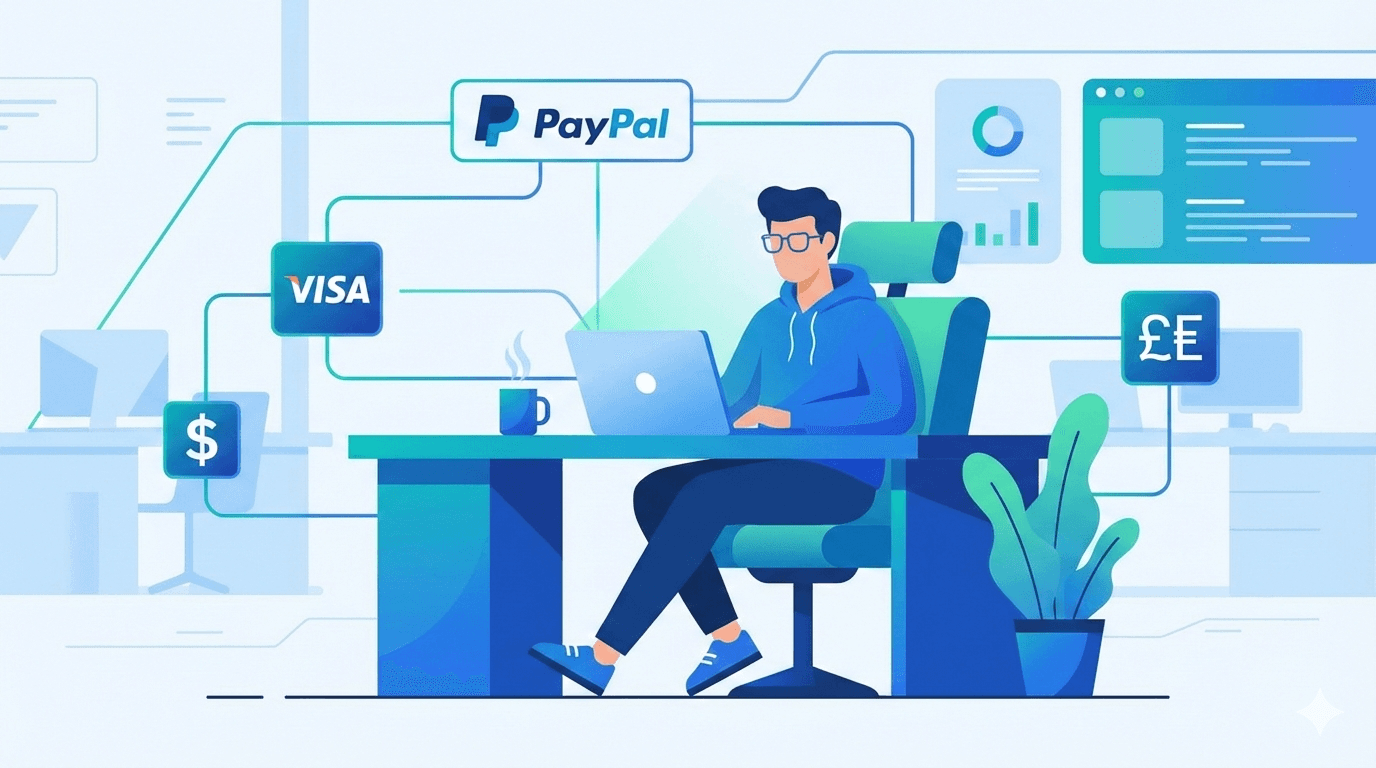
If you work online in any field — freelancing, remote jobs, content creation, or online services — one of the biggest challenges in Egypt is how to withdraw your money easily and safely, whether in Egyptian Pounds (EGP) or US Dollars (USD).
In this blog, I’ll explain the best withdrawal methods step by step, based entirely on methods I personally use and trust. There may be other options, but I’ll focus only on what I’ve actually tried.
1. Withdraw in Egyptian Pounds (Without a Bank Account)
If you don’t have a bank account, this is the easiest and most common solution.
Easy Pay Visa (Egypt Post)
You can issue an Easy Pay Visa from any Egypt Post office.
What You Need:
- National ID
- Issuance fee (around 50–100 EGP)
Steps:
- Go to any Egypt Post office.
- Request an Easy Pay Visa.
- Activate the card.
- Link the card to your PayPal account.
Once linked, you can receive money on PayPal and withdraw it directly to your Easy Pay Visa in EGP.
2. Withdraw in Egyptian Pounds (With a Bank Account)
If you already have an Egyptian bank account, you can link it directly to PayPal.
Steps:
- Add your Egyptian bank account to PayPal.
- Verify the account.
- Withdraw your PayPal balance directly to your bank in EGP.
This option is more stable and suitable for long-term online income.
3. Withdraw in US Dollars (USD)
If you want to keep your earnings in dollars, this is one of the best methods available.
Step 1: Open a QNB Bebasata Account
- Open a QNB Bebasata account.
- Install the QNB mobile app.
- Open a USD account from inside the app (activated instantly).
- Save your USD account details.
Step 2: Create an Elevate Account (US Bank Account)
To receive USD payments, you’ll need a US bank account. I personally use Elevate and rely on it heavily.
Click here to download Elevate
What You Need:
- Passport
- Proof of address (bank statement for the last 3 months)
Steps:
- Download the Elevate app.
- Complete registration.
- Upload your documents.
- After approval, you’ll get:
- A US bank account
- A virtual Visa card (optional)
Step 3: Withdraw from Freelance Platforms
On platforms like Upwork:
- Add a new withdrawal method.
- Select US bank account.
- Enter the bank details provided by Elevate.
Your earnings will be transferred to your Elevate account.
Step 4: Transfer to Your QNB USD Account
Once the money reaches Elevate, withdraw it to your QNB USD account.
Withdrawal fee: $10 only.
These are the most reliable withdrawal methods I personally use as someone working online in Egypt:
- No bank account → Easy Pay Visa + PayPal
- Egyptian bank account → Direct PayPal withdrawal
- USD savings → QNB Bebasata + Elevate
Choose the method that fits your situation and financial goals.